
Best Ergonomic Setup for Home Office (Complete 2025 Guide)
Disclosure: This page contains affiliate links. If you purchase through these links, we may earn a commission at no extra cost to you.
Meta Description
Learn how to build an ergonomic home office setup to reduce neck, back, and shoulder pain. Practical tips, layout examples, and essential tools.
Introduction
Working from home offers flexibility, but it also creates new ergonomic challenges. Without a proper setup, long hours at a desk can lead to neck pain, back discomfort, and chronic tension.
This guide breaks down a complete ergonomic home office setup, focusing on simple adjustments that make a real difference. The goal isn’t perfection — it’s creating a workspace that supports your body during long workdays.
Quick checklist (recommended tools):
If you want a fast list of the essentials we recommend, see our curated tools page. → Recommended ergonomic tools
Why Home Office Ergonomics Matter
Home offices are often improvised. Kitchen tables, couches, and laptops force awkward postures that increase strain over time.
A proper ergonomic setup:
- Reduces neck and shoulder tension
- Improves posture without constant effort
- Makes long work sessions more comfortable
Desk and Chair Positioning
Your desk and chair form the foundation of your setup.
Key principles:
- Feet flat on the floor
- Knees at or slightly below hip level
- Chair supporting the natural curve of your lower back
Avoid sitting on the edge of the chair or slouching forward.
Monitor Height and Screen Distance
Screen height is one of the most overlooked causes of neck pain.
Best practices:
- Top of the screen near eye level
- Screen about an arm’s length away
- Laptop users should elevate the screen and use an external keyboard
Keyboard and Mouse Placement
Improper hand positioning creates tension that travels up the arms to the shoulders and neck.
Recommendations:
- Elbows close to the body
- Wrists in a neutral position
- Mouse within easy reach
Lighting and Screen Glare
Poor lighting increases eye strain and encourages poor posture.
Tips:
- Use indirect lighting when possible
- Avoid screen glare from windows
- Adjust screen brightness to match room lighting
Essential Ergonomic Accessories
Some tools make a good setup easier to maintain:
- Monitor stands or laptop risers
- Ergonomic keyboard and mouse
- Lumbar support cushion
- Footrest
- Phone stand for desk use
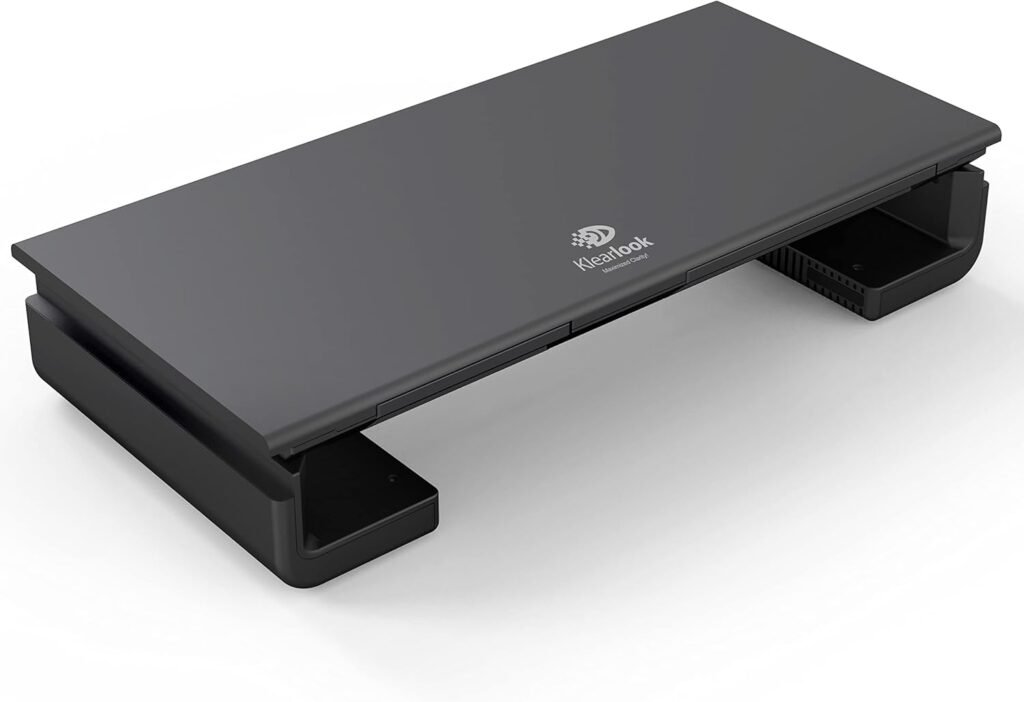
🔹 Monitor Stand
A monitor stand helps raise the screen to eye level, reducing the need to bend the neck forward during long work sessions. Proper screen height supports a more neutral head position, which can significantly reduce neck and upper back strain over time.
This is especially useful for desktop users or anyone working with an external monitor for several hours a day.
👉 Recommended option: View on Amazon
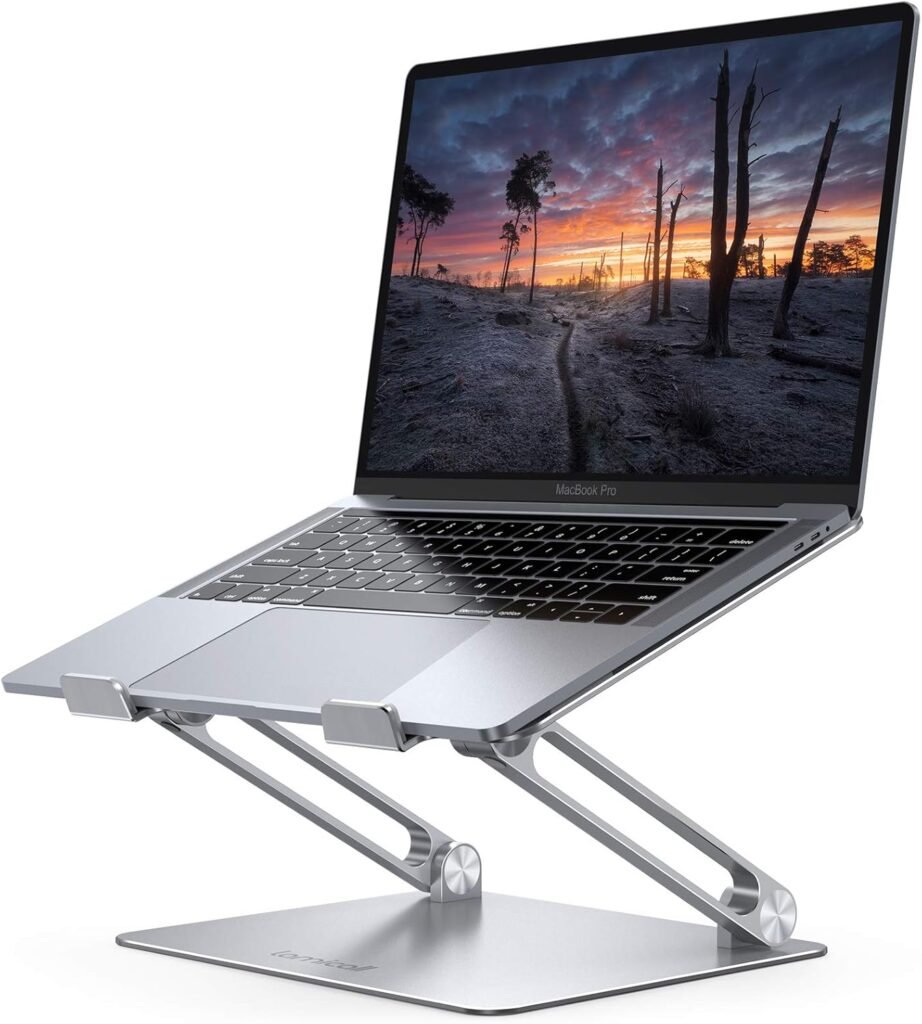
🔹 Laptop Riser (Adjustable Laptop Stand)
A laptop riser elevates the laptop screen closer to eye level, helping prevent forward head posture commonly caused by working on a low screen. Adjustable risers allow users to fine-tune height and angle based on their seating position.
When combined with an external keyboard and mouse, a laptop riser can greatly improve comfort during long work-from-home sessions.
👉 Recommended option: View on Amazon
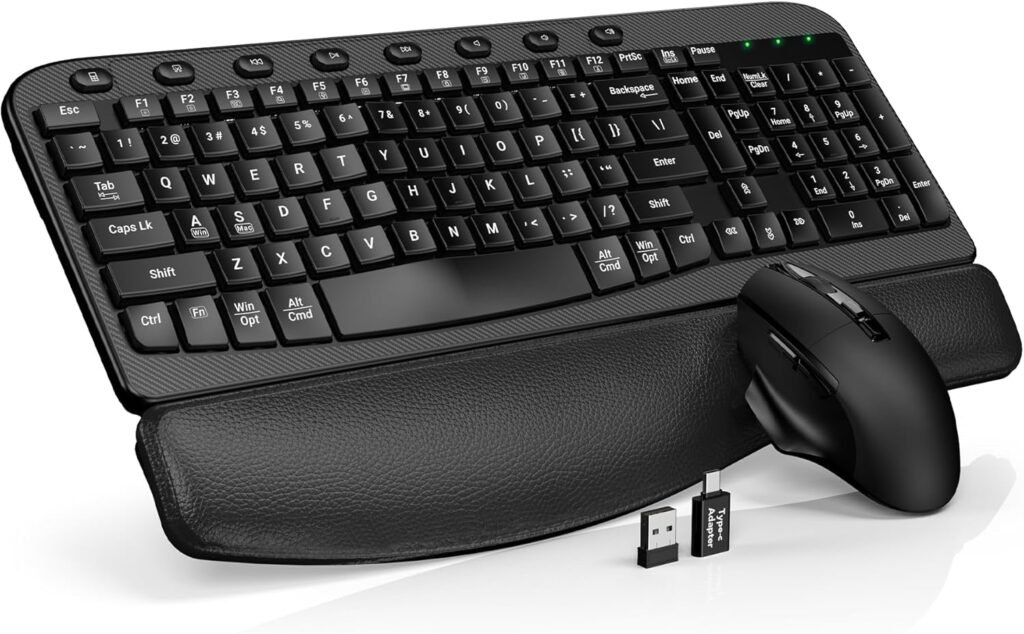
🔹 Ergonomic Keyboard and Mouse
An ergonomic keyboard and mouse support more natural wrist and arm positions during typing and navigation. This helps reduce repetitive strain in the wrists, forearms, shoulders, and neck caused by poor hand alignment.
They are particularly helpful for people who type for extended periods without frequent breaks.
👉 Recommended option: View on Amazon

🔹 Lumbar Support Cushion
A lumbar support cushion helps maintain the natural curve of the lower back while sitting. Proper lower-back support reduces slouching, which often leads to compensatory tension in the neck and shoulders.
This accessory is especially useful for chairs that lack built-in lumbar support or for long sitting sessions.
👉 Recommended option: View on Amazon
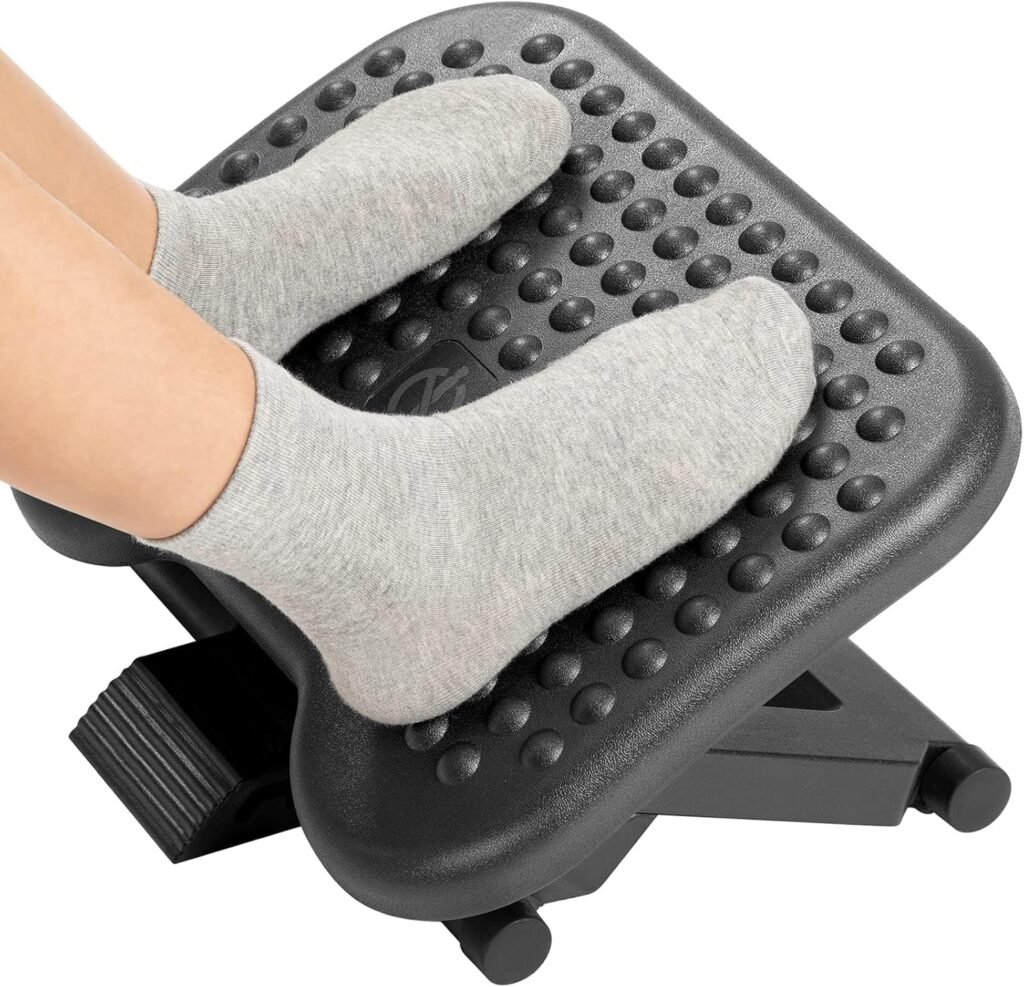
🔹 Footrest
A footrest improves lower-body alignment by allowing the feet to rest flat and comfortably. Proper foot positioning supports better posture throughout the spine and reduces pressure on the lower back and hips.
Footrests are helpful when desk height cannot be adjusted or when the chair sits slightly too high.
👉 Recommended option: View on Amazon
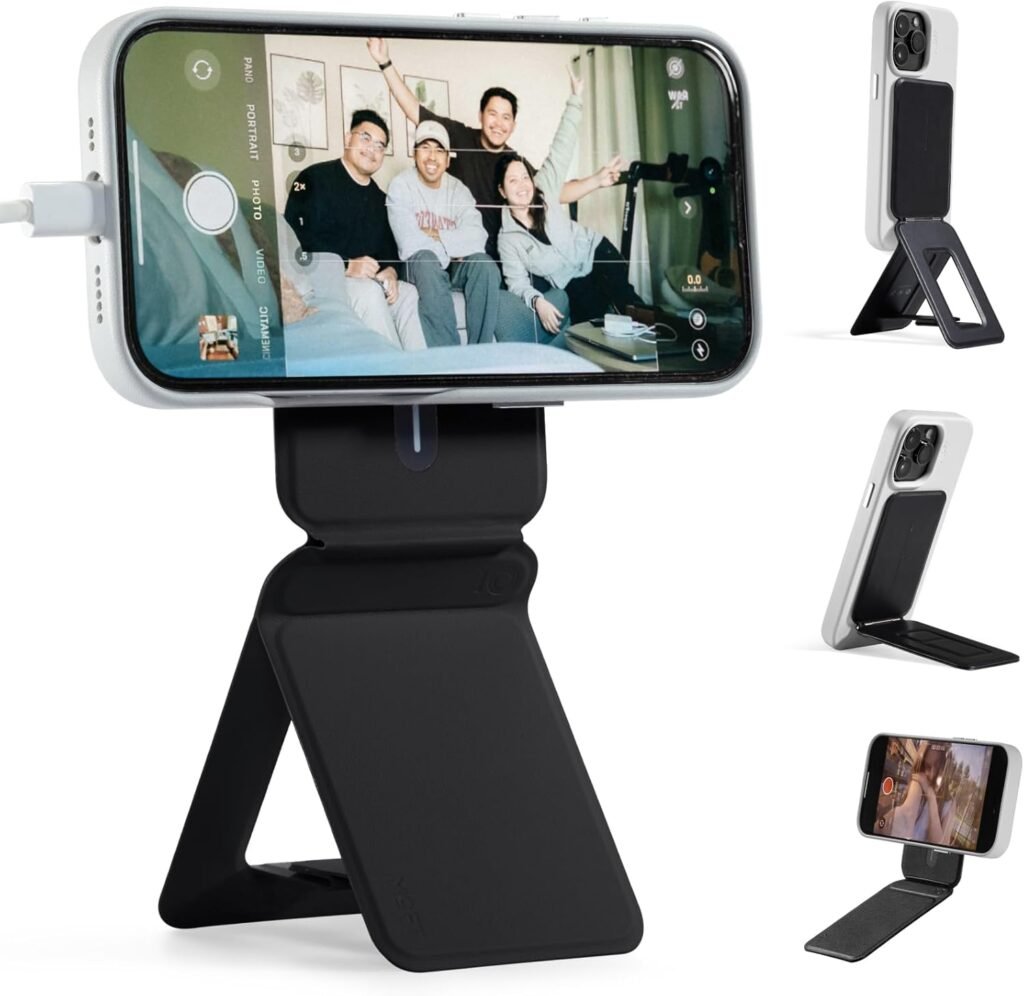
🔹 Phone Stand
A phone stand keeps the device closer to eye level, reducing repetitive neck flexion caused by looking down at the screen. This is particularly useful for frequent phone use during work, video calls, or reading.
Using a phone stand encourages healthier phone habits without requiring constant posture awareness.
👉 Recommended option: View on Amazon
Movement Is Part of the Setup
Even the best setup can’t replace movement.
Aim to:
- Stand up every 30–60 minutes
- Stretch briefly
- Change positions throughout the day
Final Thoughts
An ergonomic home office setup doesn’t require expensive furniture or a complete redesign. Small, thoughtful adjustments reduce strain and improve comfort over time.
Start with alignment, add supportive tools where needed, and combine your setup with healthy daily habits.